Xyce Studio
Xyce Studio is a graphical simulation environment for the Xyce circuit simulator: load a circuit, run a simulation, and inspect the results as interactive waveforms — in one native desktop window.
It ships in two forms:
- A KiCad plugin — launched directly from the KiCad schematic editor. The schematic is netlisted automatically and handed to Xyce Studio, so you can go from schematic to simulation results without leaving KiCad.
- A standalone application (macOS) — open Xyce netlist files (
.cir) or simulation output files directly, edit them, and run simulations with the Xyce executable on your machine.
Xyce Studio is not a simulator: it drives the Xyce executable from Sandia National Labs, which you install separately.
Capabilities
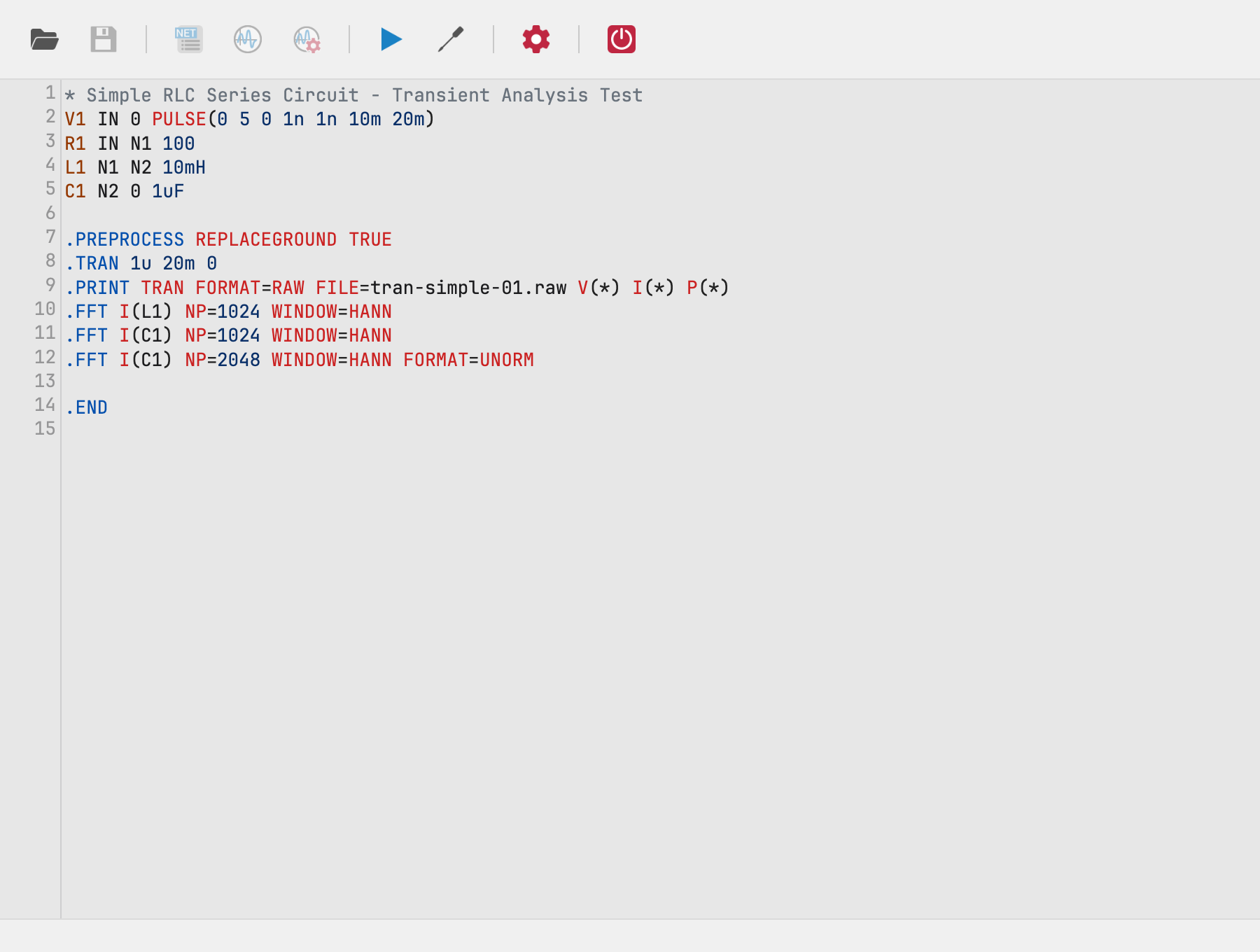
- Netlist editing — a SPICE-syntax editor with coloring for KiCad mode and full editing in standalone mode
- Simulation setup — dialogs for the 7 analyses Xyce supports:
Operating Point, Transient, DC Sweep, AC, Noise, Harmonic Balance and
Linear (S-parameter) analysis, plus directives (
.STEP,.PRINT,.FFT,.FOUR,.MEASURE,.PCE) - Waveform visualization — tabbed chart panel with expression plotting, box zoom with synchronized charts, parametric-step filtering and FFT
- KiCad integration — launches from the schematic toolbar and extracts the netlist automatically
Getting started
- Download and install — download the binary for your platform; install Xyce separately.
- Run your first simulation — a short tutorial using an example netlist.
- Read the User Guide for the complete application reference.
Links
- Releases — binaries and the KiCad plugin packages
- Issue tracker
- FAQ
- Building from source for contributors
License
The source code is licensed under Apache-2.0; bundled third-party assets (KiCad icons, Xyce documentation PDFs, libraries) carry their own licenses — see THIRD_PARTY_NOTICES.txt.